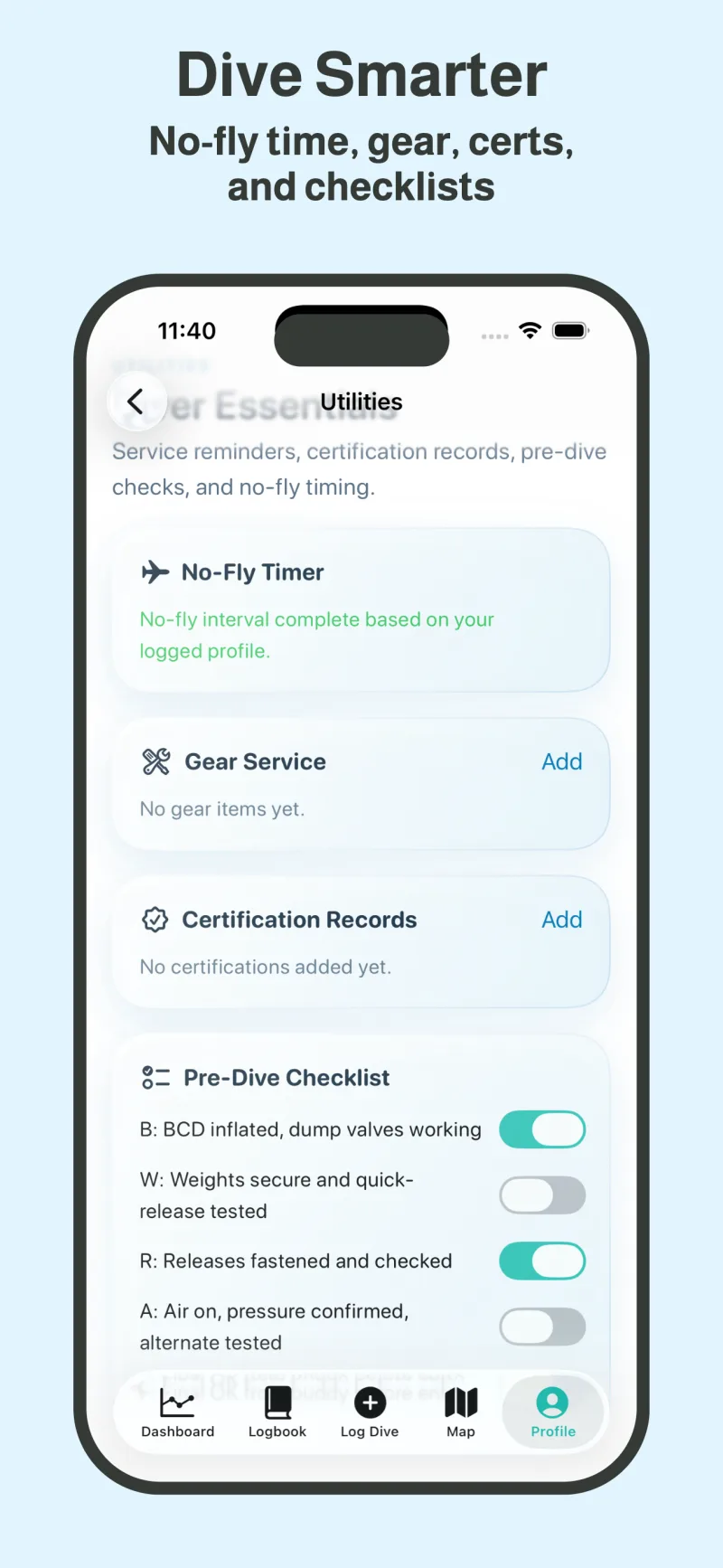
No-Fly Timer for a logged profile
The utility uses the most recent logged dive. It starts an 18-hour interval when that record is marked as non-decompression and a 24-hour interval when it is marked as a decompression dive, then shows when that fixed interval is complete.
It does not evaluate repetitive dives, multiple days of diving, symptoms, real-time dive-computer data, altitude, or an individual medical profile. Always use the longest interval required by your training, computer, operator, travel plan, and current medical guidance.
Gear service and certification records
Add gear items with a name, serial number, and next service date. You can also keep certification records with the certification title, agency, and card number so important diver information is easy to find from Profile.
- Gear service dates and serial numbers
- Certification title, agency, and card number
- A dedicated Profile area instead of scattered notes
- Local records you can update as your kit and training change
How long should I wait to fly after diving?
Follow your training, your dive computer, and your operator, and use the longest interval any of them requires. Divers Alert Network publishes general waiting-period guidance, summarized with sources in the DiveAtlas no-fly time guide. The DiveAtlas No-Fly Timer is a reminder built from your most recent logged dive, not a personalized clearance to fly.
A checklist you can actually tap through
The pre-dive checklist is a set of saved checklist items with toggles. Use it as a personal prompt before entering the water, and keep your actual dive plan, training, buddy checks, and local procedures as the source of safety decisions.
