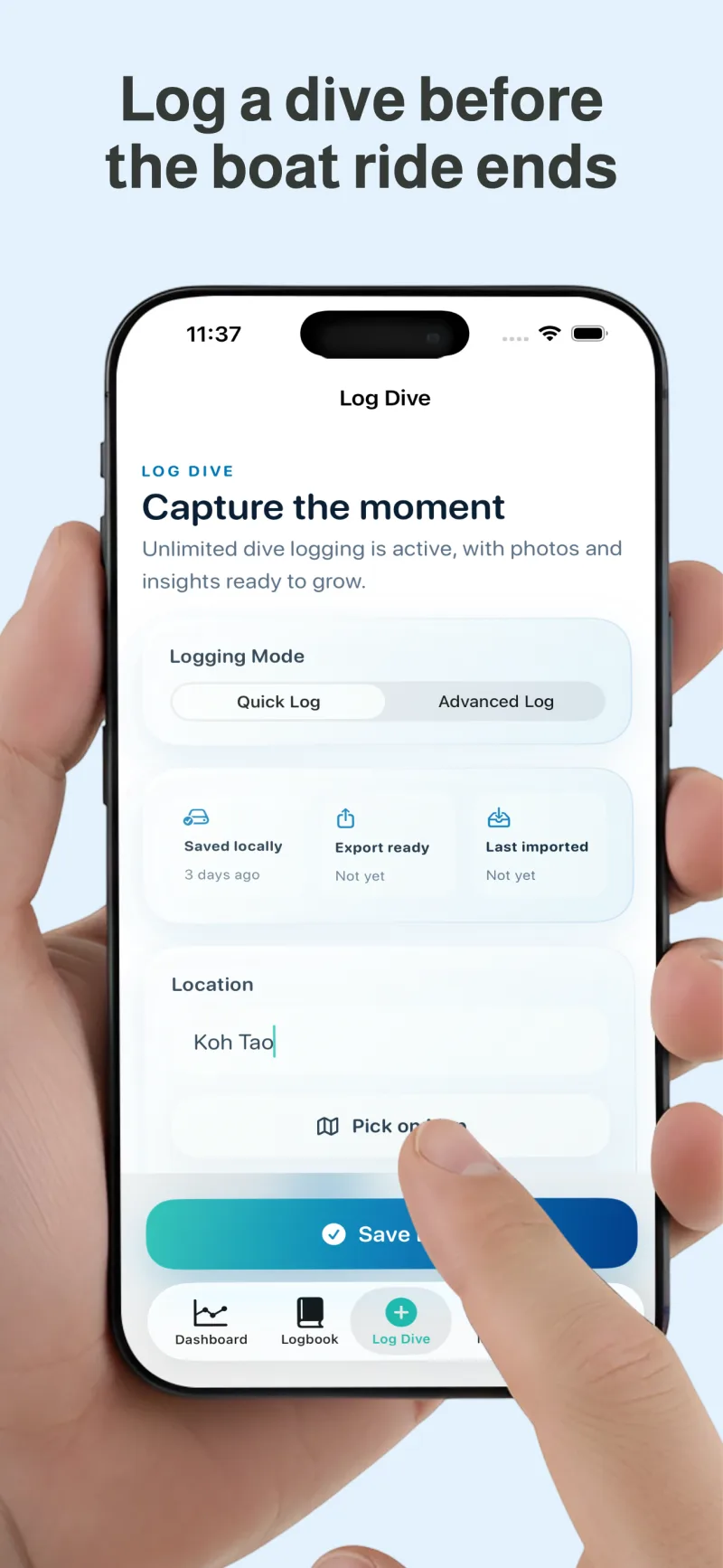
How do I log a dive in DiveAtlas?
Tap Log Dive on the dashboard. Enter the dive site and location, the date and time, the maximum depth, and the duration, then tap Save Dive. That is a complete record. If you want more detail, open any of the optional sections before saving, or edit the dive later and tap Save Changes.
- Essentials: dive site, location, date and time, maximum depth, duration
- Open optional sections only for the dives that need them
- Edit any saved dive later without losing what you entered
Which details can a detailed dive log hold?
The current app does not split logging into separate quick and advanced modes. The same form expands around the dive, so a short recreational record stays short while a training, liveaboard, or nitrox dive can carry the context you want to keep.
- Gear & Gas: tank type, weight used, air or nitrox, O₂ %, start and end pressure, tank volume
- Dive Conditions: average depth, water temperature, visibility, entry type, trip name and trip type
- Safety flags: Safety Stop Completed and Decompression Dive toggles
- Buddy and dive center, marine-life sightings with counts, memories, notes, and photos
Does DiveAtlas calculate SAC or RMV?
Yes, when the inputs are present. With average depth, start and end pressure, tank volume, and duration recorded, DiveAtlas calculates SAC and RMV for that dive and stores them with the record. If any input is missing, the dive still saves and the consumption fields stay empty, so you are never forced to fill in gas numbers you did not track.
Keep numbers and context together
Technical fields are more useful when you can connect them to the actual site, conditions, equipment, and buddy. DiveAtlas keeps those details in one record, so a future review does not depend on scattered notes or a separate spreadsheet. A CSV export carries the gas, tank, pressure, SAC/RMV, conditions, buddy, and trip fields; the Subsurface XML and UDDF exports carry a smaller summary of each dive.
To see which CSV column holds each gas, pressure, and tank value before you move detailed dives in or out, read the DiveAtlas CSV, Subsurface XML, and UDDF export guide.
A logbook, not a dive computer
DiveAtlas records the information you enter and summarizes your personal history. It is not a dive computer, decompression planner, or substitute for training and established dive-planning procedures.
