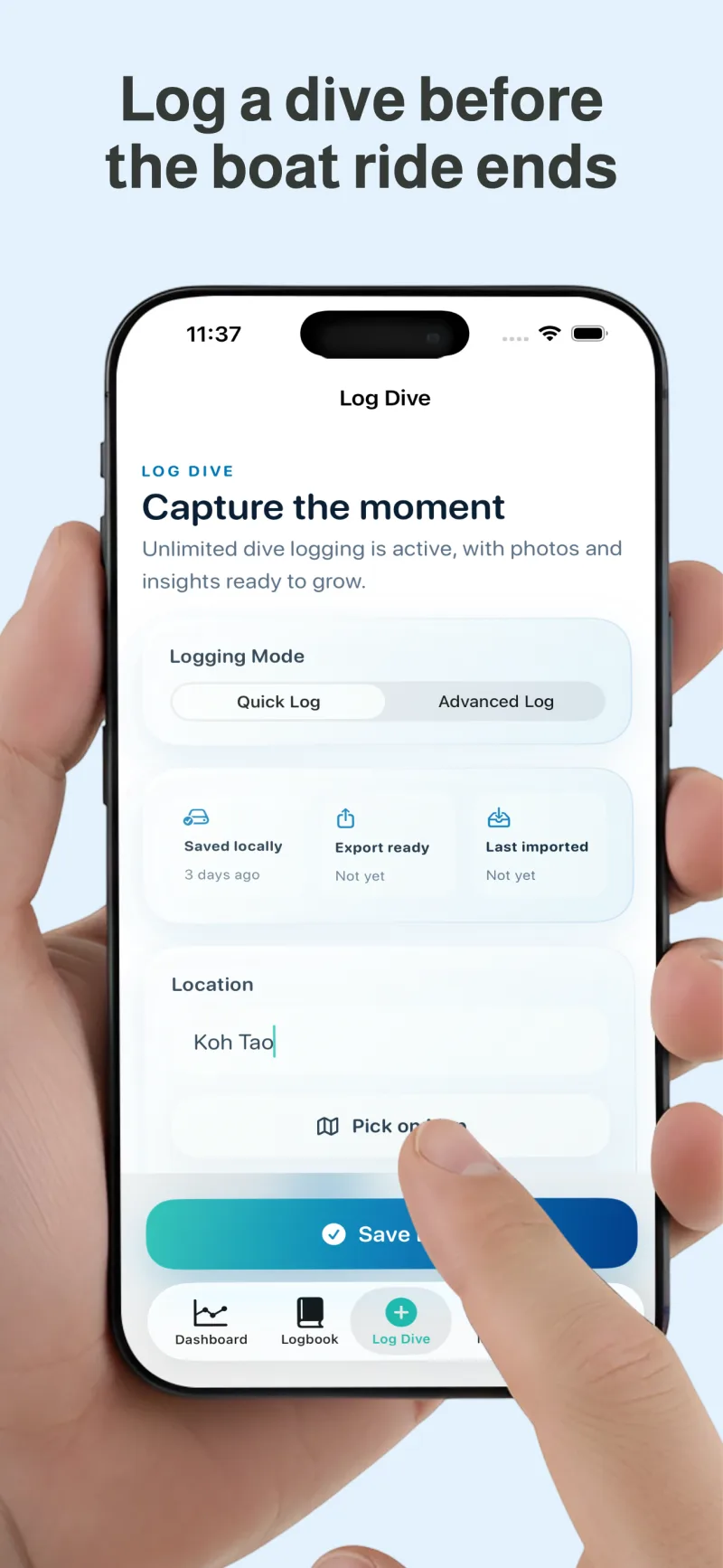
Record the details that make a dive useful later
A useful logbook should preserve both the technical record and the story of the dive. DiveAtlas keeps the site, date, maximum depth, duration, water conditions, buddy, dive center, equipment, notes, rating, photos, and marine life in one entry.
The streamlined Log a Dive form starts with essential fields, then lets you open optional sections for photos, memories, marine life, buddies, gear, gas, and dive conditions. Advanced gas details include pressure, tank volume, and calculated SAC or RMV when the required values are present.
- Location, dive site, coordinates, date, and time
- Maximum depth, duration, visibility, and temperature
- Buddy, dive center, equipment, rating, notes, photos, and marine life
- Optional gas, tank, pressure, SAC/RMV, and safety details
Find an old dive without scrolling forever
Dive history becomes more valuable as it grows. DiveAtlas lets you search the logbook and sort dives newest or oldest first, by depth or duration, or alphabetically by site, buddy, or country, so a particular trip or personal milestone stays easy to find.
Can a digital logbook replace a paper dive log?
For most recreational divers, yes. DiveAtlas keeps the same core facts a paper log holds (site, date, depth, time, conditions, buddy, and notes) and adds search, sorting, photos, a dive site map, and personal stats. If a training agency, instructor, or operator asks for a signed paper log or a specific stamp, keep using that alongside your digital record.
To bring old paper dives in, tap Scan logbook page on the Log a Dive form and photograph the page: DiveAtlas reads the handwriting on your iPhone, fills in the form, and lets you compare it with the page before you save.
With optional iCloud Backup turned on in Profile, your dives, dive photos, marine-life entries, gear, certifications, and checklist items can be backed up to your private iCloud and restored on another iPhone or iPad signed in to the same Apple ID.
Keep your data portable
DiveAtlas supports CSV import and export, plus separate Subsurface XML and UDDF export options. The app labels these as distinct formats so you can choose the file your next workflow requests and keep an independent copy of your records.
