Log Every Dive in Seconds
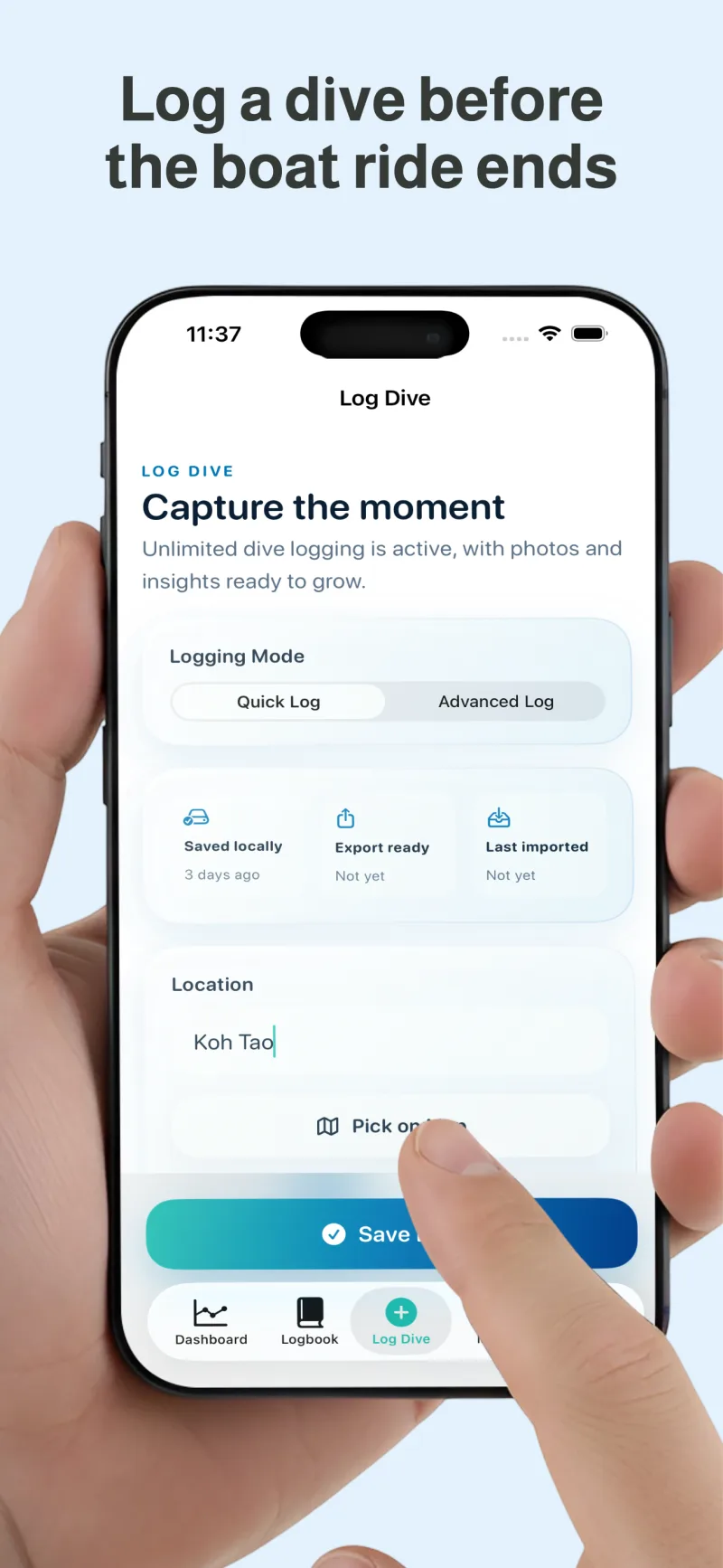
Capture date, time, location, depth, duration, visibility, temperature, buddies, dive center, gear, and notes without a heavy form.
DiveAtlas for iPhone and iPad
Log dives in seconds, see your depth history clearly, map the places you have explored, and keep photos, notes, buddies, marine life, and memories in one calm iOS experience.
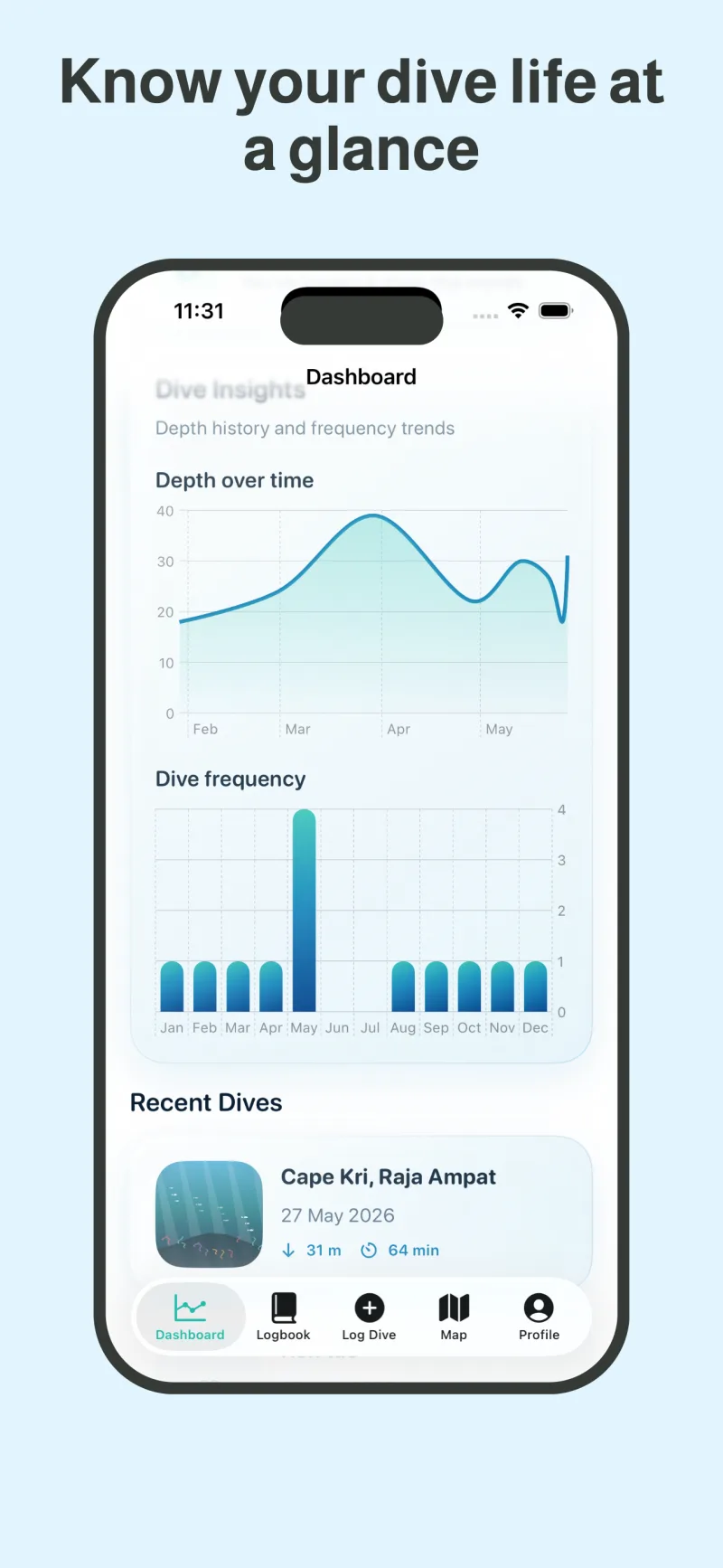
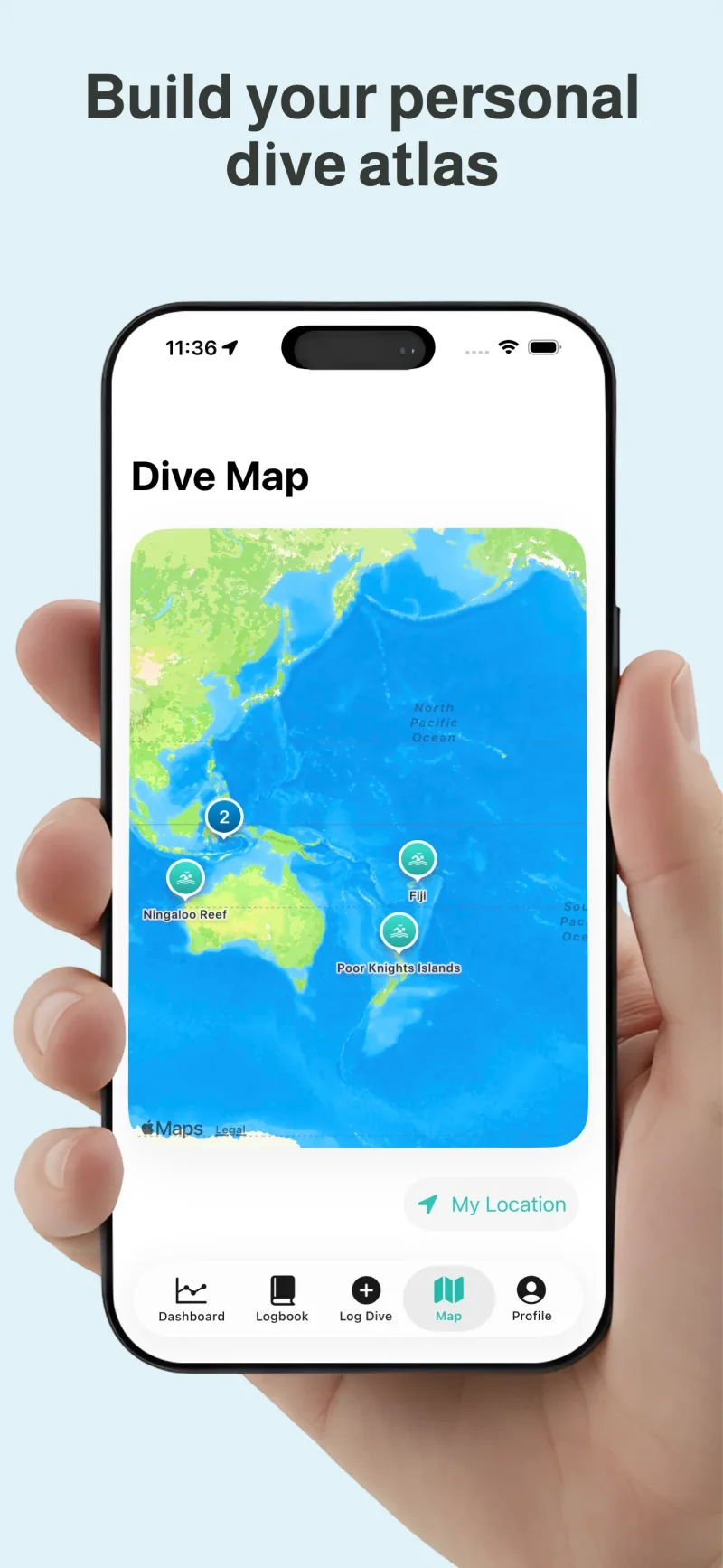
Browse the dashboard, log entry, analytics, dive map, and memory capture screens before downloading.
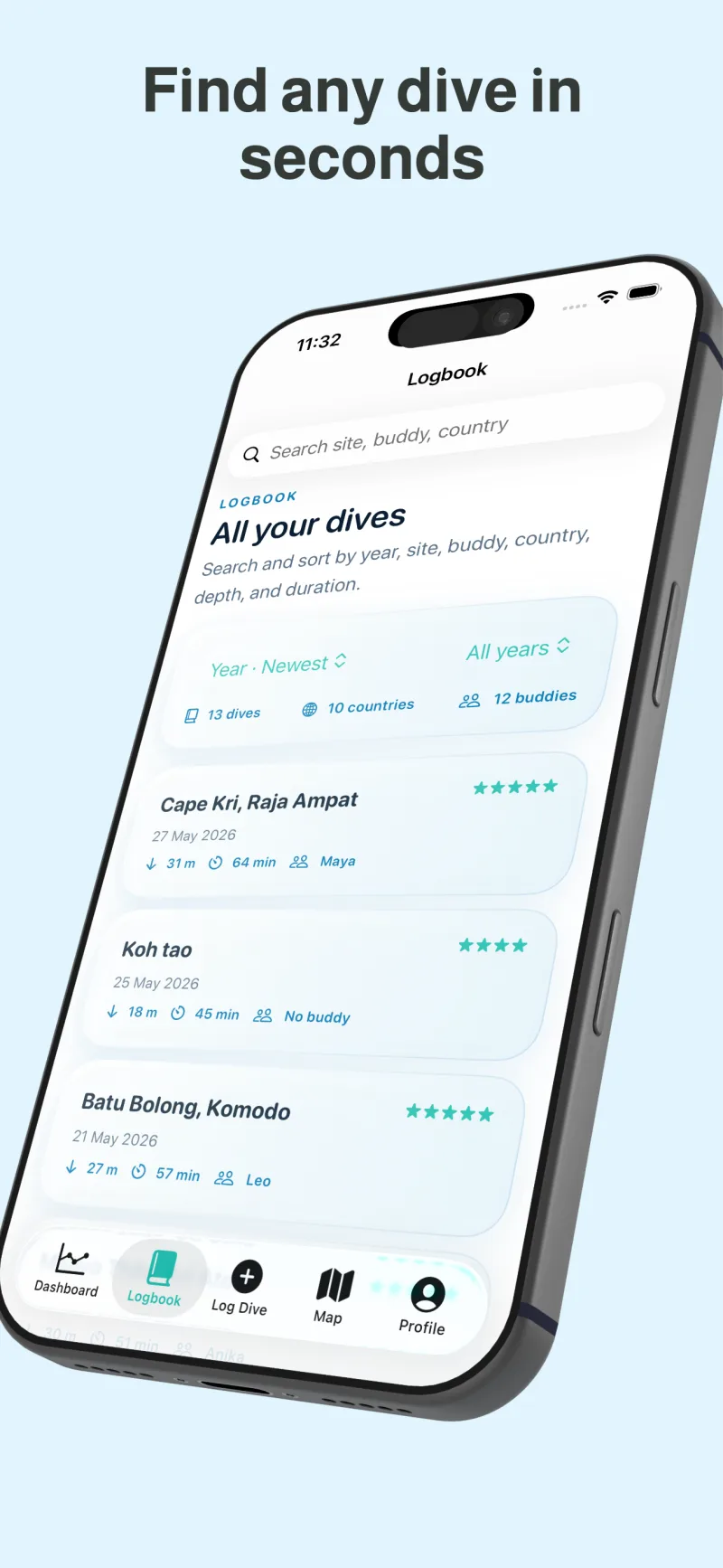
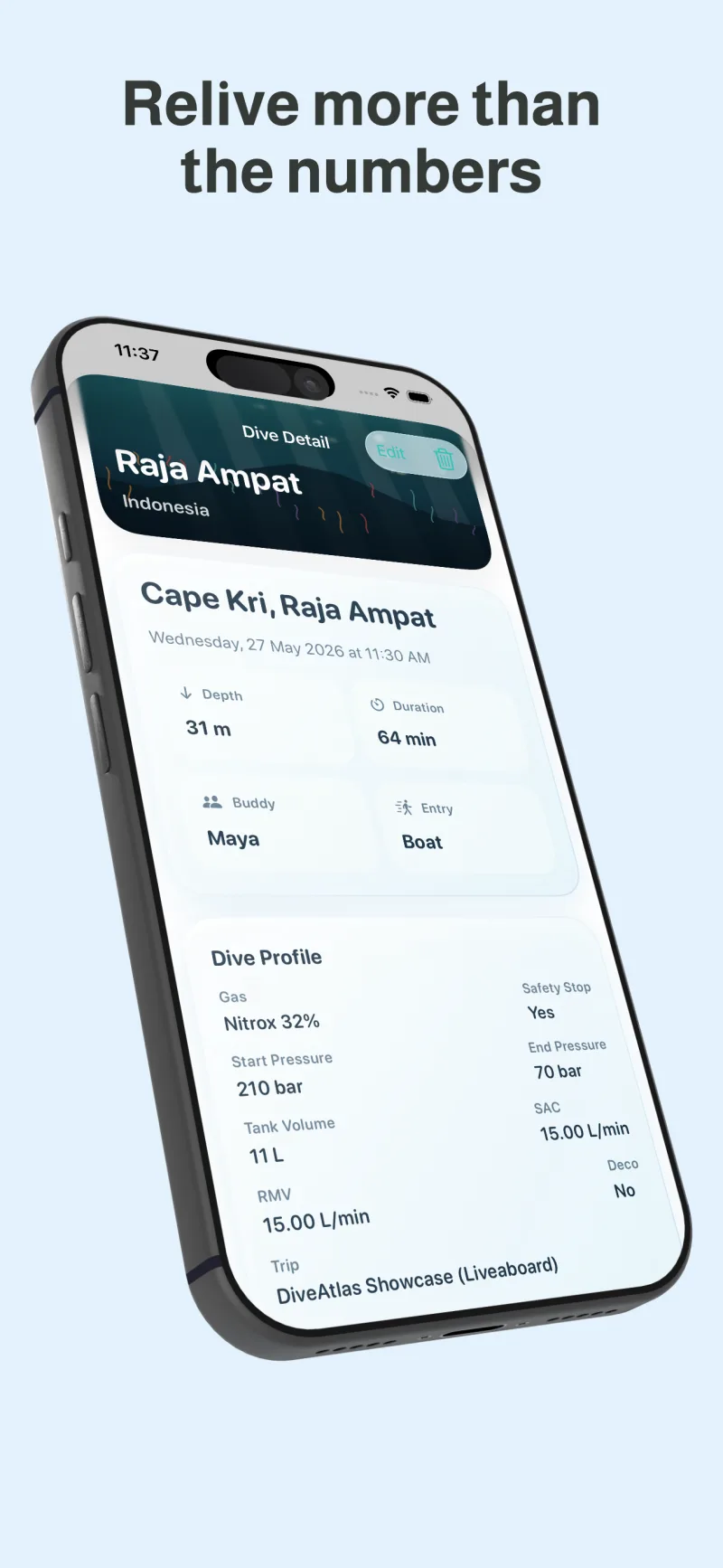
Scuba dive log app
Digital dive logbook
Depth and duration tracker
Interactive dive map
Underwater memory journal
DiveAtlas mirrors the latest iOS app experience: fast capture, clear analytics, map context, and personal memories without clutter.
Capture date, time, location, depth, duration, visibility, temperature, buddies, dive center, gear, and notes without a heavy form.
Review total dives, deepest dive, longest dive, average depth, average duration, frequency, and depth history in a readable dashboard.
See dive locations on an interactive map and keep site context attached to the log entry that matters.
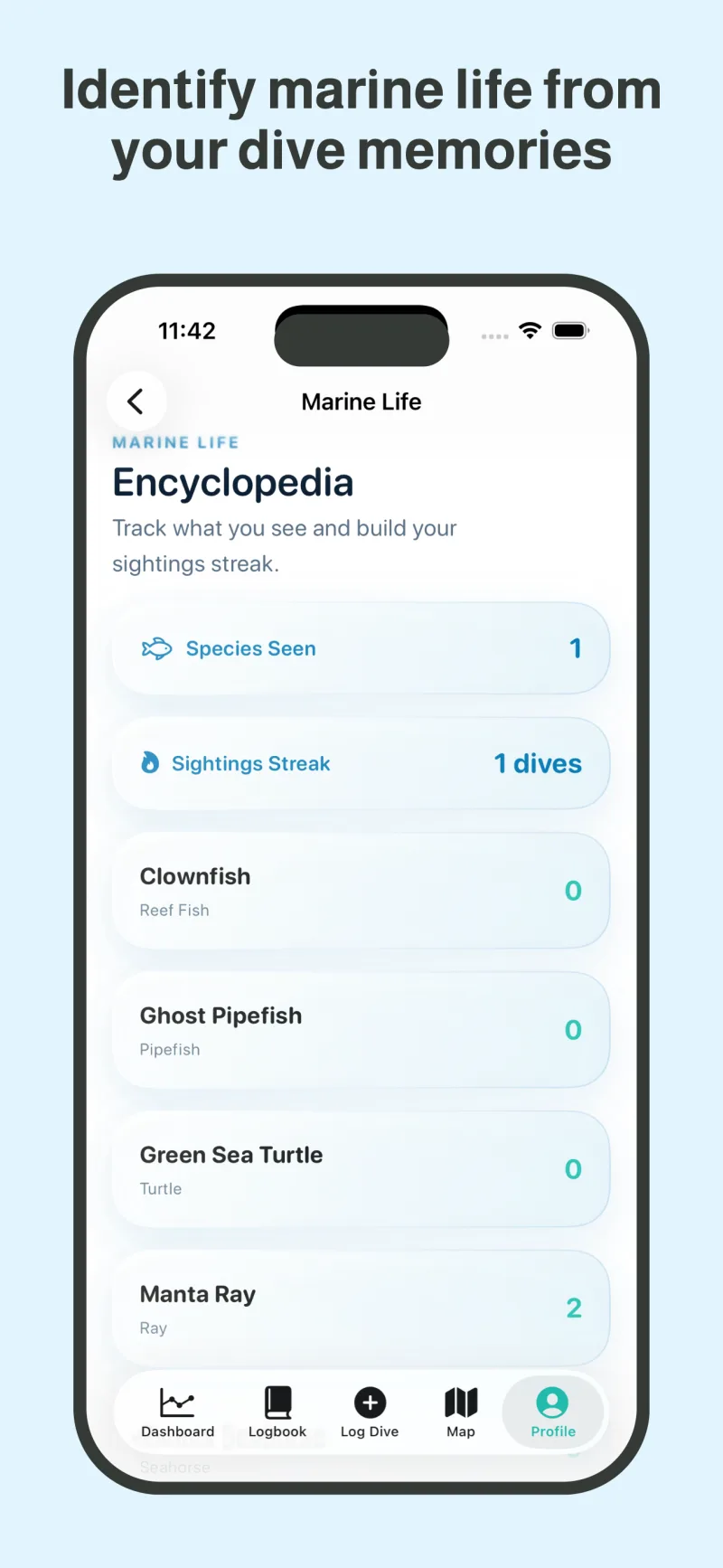
Add ratings, marine life, photos, and personal notes so each reef, wreck, and trip remains searchable and vivid.
The web story now follows the same rhythm as the app: dashboard first, log details next, then map, insights, photos, and notes.
Explore how DiveAtlas captures, organizes, maps, and summarizes the dives you want to remember.
Quick and advanced logging, search, sorting, CSV import and export, and UDDF export.
Dive analyticsReview totals, milestones, averages, frequency, depth history, streaks, and recent dives.
Dive site mapKeep sites and coordinates connected to the conditions, buddies, notes, and photos in each log.
Advanced loggingAdd gas, tank, pressure, SAC/RMV, safety flags, gear, marine life, and the personal context around a dive.
Data transferUse CSV import and export, with separate Subsurface XML and UDDF export options.
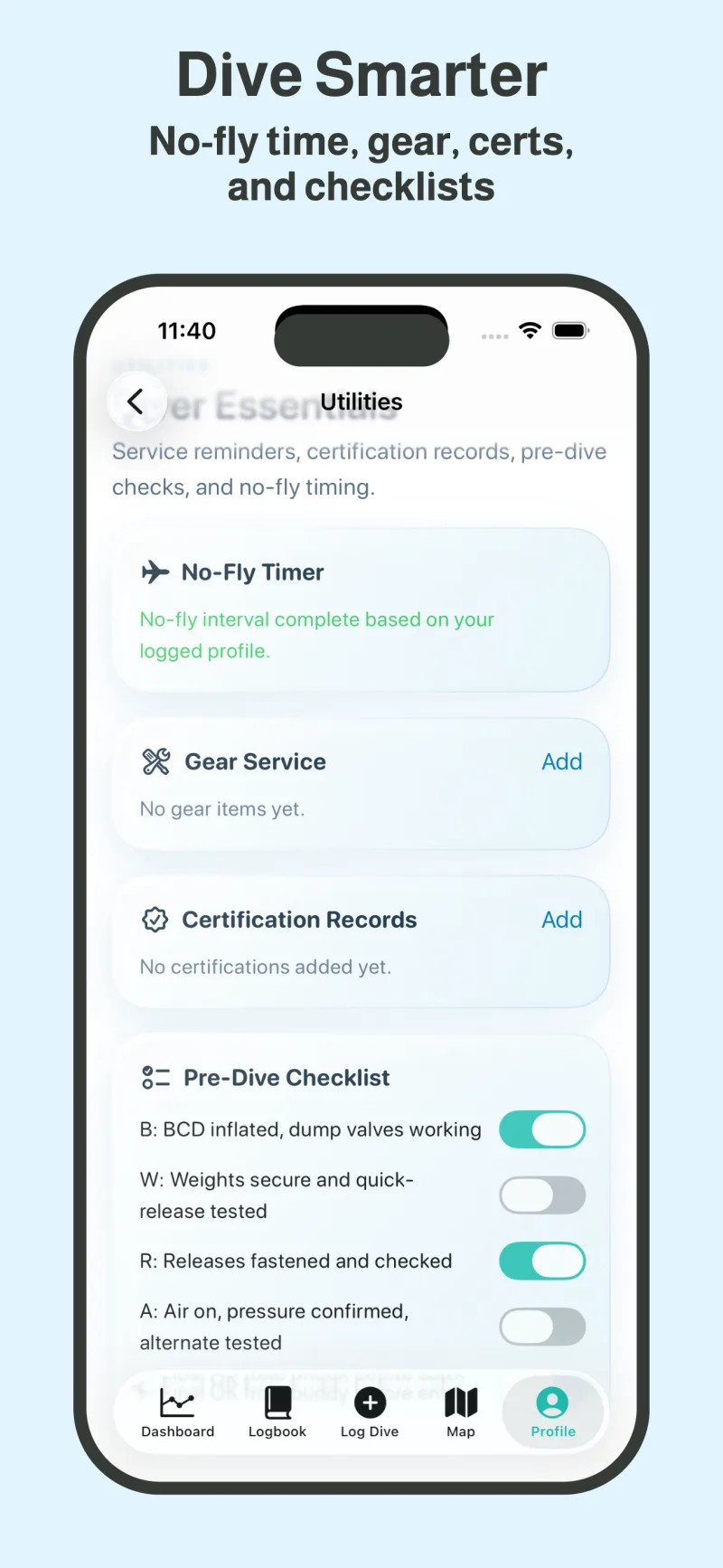
Diver utilitiesUse the no-fly timer, gear service records, certification cards, and pre-dive checklist.
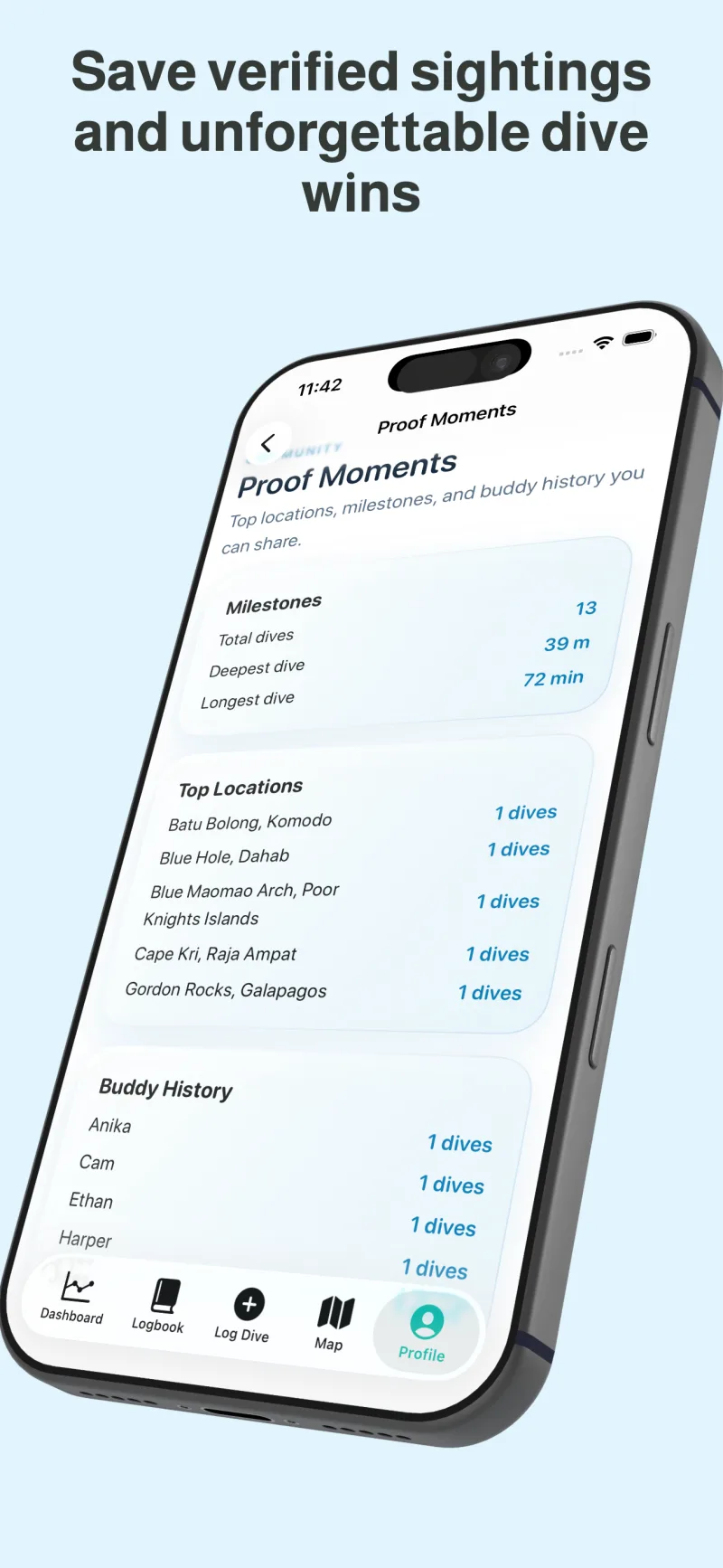
Trips and lifeGroup trips, search marine-life sightings, and build shareable Proof Moments from your saved dives.
Get more from your logbook, understand your records, and keep your dive history portable.
Learn what to record, when to log it, and how to keep a growing history organized and portable.
Import and exportUse CSV import plus CSV, Subsurface XML, and UDDF export as separate, portable copies.
No-fly timingSee published waiting-period guidance and how DiveAtlas shows 18-hour or 24-hour app countdowns.
Advanced fieldsRecord gas, tank pressure, SAC or RMV, gear service, and safety flags only when they help later.
Clear answers about using DiveAtlas as a focused digital scuba logbook.
DiveAtlas is a scuba dive log app used to record dive details, track diving history, map dive sites, review analytics, and save notes and photos from each dive.
Yes. DiveAtlas is designed as a modern digital dive logbook for iPhone and iPad, helping divers maintain structured records of every dive.
You can log location, country, dive site, coordinates, depth, duration, temperature, visibility, buddy details, dive center, gear, rating, photos, marine life, and personal notes.
Yes. DiveAtlas includes map-based dive site tracking so you can see where you have dived and organize your underwater journey by location.
Yes. DiveAtlas turns your logged dives into readable stats including total dives, deepest dive, longest dive, average depth, average duration, frequency, and depth history.
The Free tier allows up to five logged dives. Pro access is available through monthly or annual auto-renewing subscriptions or a one-time lifetime purchase.
The shipped app UI does not advertise a free trial. The App Store purchase sheet is the source of truth for localized purchase terms and prices.
In DiveAtlas, open Profile, scroll to Purchases, and tap Restore Purchases.
DiveAtlas supports CSV import and export, plus separate Subsurface XML and UDDF export options.
Download DiveAtlas on the App Store and keep each dive, site, stat, note, and memory easy to revisit.