1. Record the objective details first
Begin with information that is easiest to forget or confuse later. Capture the location and site, date and time, maximum depth, total duration, water temperature, visibility, entry type, buddy, dive center, and the equipment or gas details relevant to your record.
If you use a dive computer, copy the numbers from the computer rather than reconstructing them later. The logbook is a record of what happened, not a second computer.
- Location, country, dive site, and coordinates when you have them
- Date, time, maximum depth, and duration
- Temperature, visibility, entry type, buddy, and dive center
- Equipment or gas details that you actually used
2. Add context while the dive is still fresh
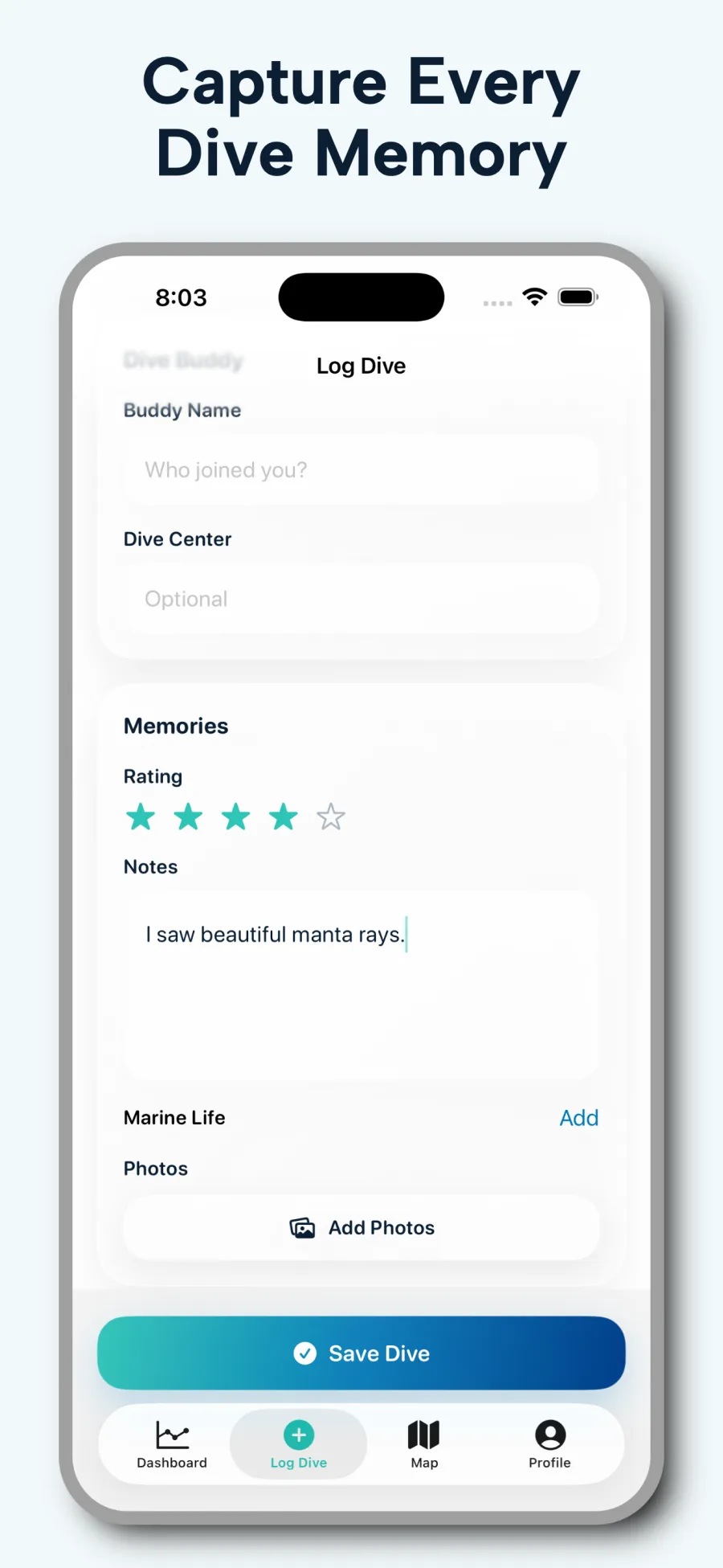
A logbook becomes a memory aid when it includes more than numbers. Note the marine life you saw, navigation landmarks, conditions, photos, a rating, and a sentence about what made the dive distinctive. Short, specific notes are easier to maintain than a perfect essay.
Write the note you would want before a return trip: current, surge, a useful compass heading, or the fact that the house reef was better in the afternoon. Those details fade faster than depth and time.
3. Use the same core fields every time
Consistency makes your history searchable and comparable. Choose a small required set for every dive, then use optional advanced fields only when they matter. A quick routine after the dive is more valuable than a complicated template you postpone.
A practical default is: site, date, depth, duration, buddy, and one sentence of notes. Add gas, tank pressure, SAC or RMV, and safety flags when the dive actually used them.
4. Decide what paper still does well
Paper logbooks remain useful for instructor or dive-center signatures, for divers who prefer handwriting, and as a backup when a phone should stay dry. A digital logbook is stronger for search, maps, photos, analytics, and portable exports.
Many divers keep both for a while: paper for signatures and a digital record for the searchable history. You do not have to pick one forever on the first dive after certification.
5. Organize and back up the growing logbook
Use consistent site and buddy names, search or sort old records periodically, and export a copy in a portable format. DiveAtlas supports CSV import and export, plus separate Subsurface XML and UDDF export options, which can help you keep an independent copy of your records.
Export after a trip, not only after a device upgrade. A file you can open later is more useful than a screenshot of a stats screen.
6. Review trends without treating them as limits
Personal statistics can make a long dive history easier to understand, but they are descriptive rather than prescriptive. Your deepest or longest logged dive is a record, not a target. Follow your training, dive plan, computer, conditions, and professional guidance.
How DiveAtlas stores the same workflow
Quick Log is built for the core fields. Advanced Log adds gas, tank, pressure, SAC or RMV, and safety flags without forcing those fields on every recreational dive. The map, analytics, and memory screens stay attached to the same record, so a later search can find the dive by site, buddy, country, depth, or duration.